Free SSL vs Paid SSL: What to Know Before You Choose
A practical comparison of free SSL vs paid SSL, covering pricing, validation, renewal, expiry, support, and when providers like Let’s Encrypt, Sectigo, DigiCert, and SSL.com make sense.
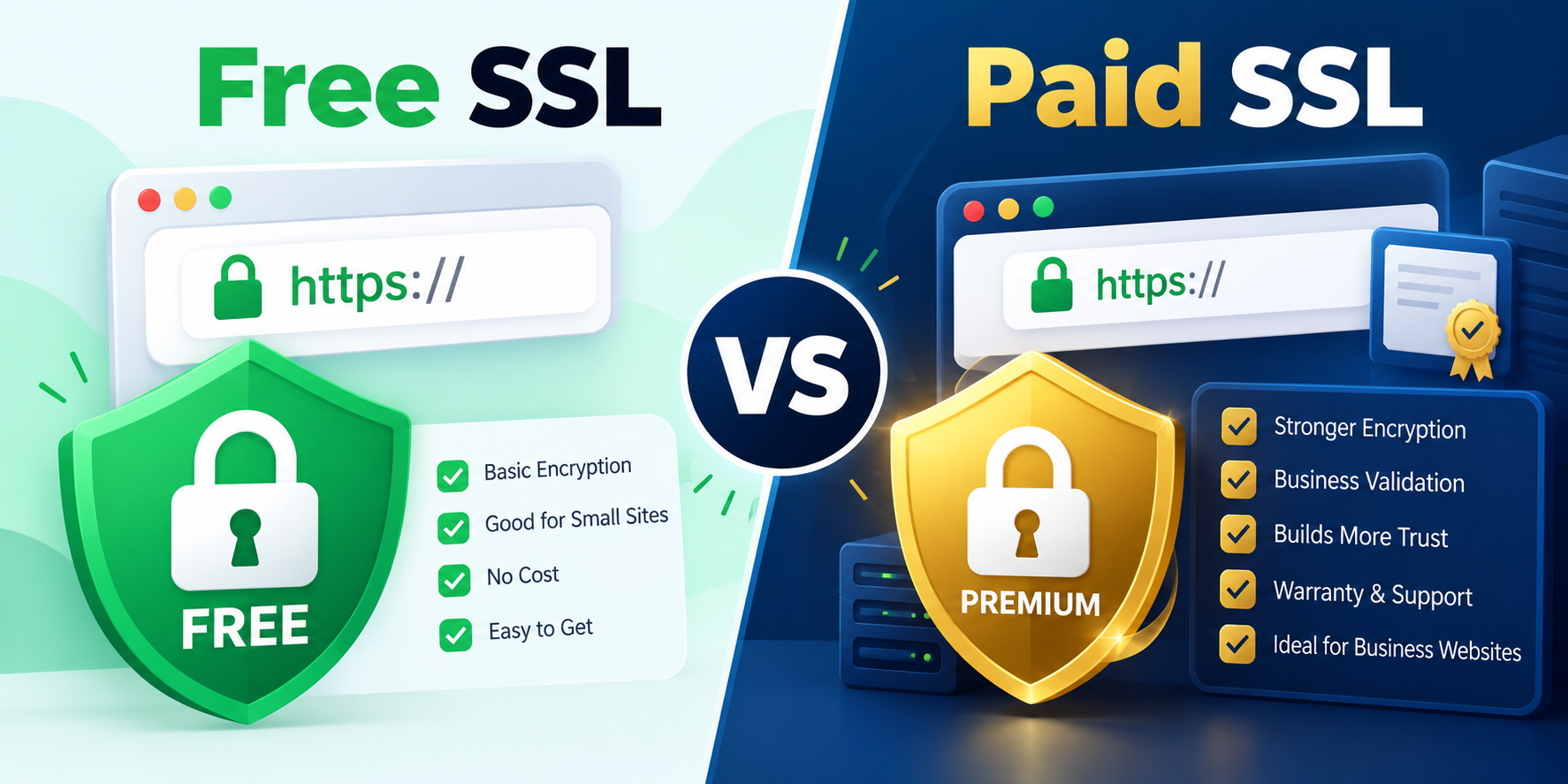
Choosing between free SSL vs paid SSL is not really about whether your site can be encrypted—both options can protect traffic with HTTPS. The real decision is about validation level, automation, support, certificate management, and how much operational risk you are willing to take on. In this guide, we’ll compare free SSL services such as Let’s Encrypt with paid providers including Sectigo, DigiCert, and SSL.com, so you can decide what fits your website or application best. Let’s Encrypt is a free certificate authority operated by the nonprofit Internet Security Research Group and is designed to automate issuance and renewal. Paid providers publish commercial certificate catalogs with different validation levels, product types, and pricing models. ([sectigo.com]())
What a free SSL certificate does
A free SSL certificate primarily gives you TLS encryption and browser-trusted HTTPS. Let’s Encrypt’s core value is simplicity: it issues domain-validated certificates at no cost, and its system is built around ACME automation so renewal can happen with minimal manual effort. That makes it popular for blogs, small business sites, staging environments, and many production sites that do not need business identity verification. ([sectigo.com](https://www.sectigo.com/ssl-certificates-tls?utm_source=openai))
What a paid SSL certificate adds
Paid SSL products typically add one or more of the following: organization validation, extended validation options, warranty language, account management, certificate management portals, support, and product choices such as wildcard or multi-domain certificates. Sectigo, SSL.com, and DigiCert all sell commercial TLS/SSL certificates with different validation tiers and coverage options. For example, Sectigo publishes pricing that starts at $110 for a one-year single-domain DV SSL, while SSL.com lists several products starting at $36.75 per year depending on certificate class and coverage. DigiCert also sells TLS/SSL certificates through its commercial portal and lifecycle management tools. ([sectigo.com](https://www.sectigo.com/ssl-certificates-tls?utm_source=openai))
Pricing comparison
Pricing is where free SSL vs paid SSL is easiest to understand.
- Free SSL: Let’s Encrypt certificates are free. The main cost is your time, automation setup, and ongoing maintenance.
- Paid SSL: Commercial pricing varies by validation type and coverage. Sectigo states that a single-domain DV certificate starts at $110 per year, and its broader catalog includes OV, EV, wildcard, and multi-domain options. SSL.com lists products from $36.75 per year for basic single-domain certificates, with higher prices for multi-domain and EV offerings. ([sectigo.com](https://www.sectigo.com/ssl-certificates-tls?utm_source=openai))
If you want to compare current pricing directly, check the provider pages for Let’s Encrypt, Sectigo SSL certificates, SSL.com TLS/SSL certificates, and DigiCert certificates. These pages are the most reliable source for live pricing and packaging. ([sectigo.com](https://www.sectigo.com/ssl-certificates-tls?utm_source=openai))
Security features: is paid SSL more secure?
In basic transport security terms, both free and paid certificates can enable strong encryption. The difference is not that paid SSL “encrypts better” by default. Instead, paid certificates often give you stronger identity assurance and more management features. Sectigo notes 256-bit encryption in its FAQ, while SSL.com describes its certificates as protecting data in transit, authenticating website identity, and satisfying browser trust requirements. ([sectigo.com](https://www.sectigo.com/blog/ssl-certificate-faqs?utm_source=openai))
Here is the practical breakdown:
- Free SSL is usually DV-only, meaning the CA verifies domain control.
- Paid SSL may offer DV, OV, and EV, depending on the provider.
- OV and EV add organization vetting, which can matter for businesses that want a higher level of identity assurance.
- Management features such as dashboards, lifecycle tools, and support can reduce outages and renewal mistakes. ([sectigo.com](https://www.sectigo.com/ssl-certificates-tls?utm_source=openai))
That said, no certificate type makes an insecure application secure. A vulnerable login form, weak server configuration, or exposed API still creates risk even if HTTPS is enabled.
Renewal method and automation
Renewal is one of the biggest operational differences in free SSL vs paid SSL. Let’s Encrypt is built for automation through ACME, so renewal is typically handled by a client such as Certbot or another ACME-compatible tool. That reduces manual work, but only if the automation is configured correctly. SSL.com also supports ACME and explicitly recommends automation for environments managing more than a handful of certificates. Sectigo likewise emphasizes automation and certificate management platforms for ongoing lifecycle control. ([ssl.com](https://www.ssl.com/products/website-security/tls-ssl/?utm_source=openai))
Paid providers often make renewal easier at scale because they pair issuance with account tools, notifications, and centralized inventory. That matters when a team manages dozens or hundreds of domains, subdomains, or certificates across multiple environments.
Expiry date and certificate lifetime
Certificate lifetime is another area where the market has changed quickly. SSL.com states that effective March 11, 2026, maximum TLS/SSL certificate lifetimes are 200 days, and it notes that ACME automation is the recommended approach. Sectigo also references the industry shift toward shorter lifetimes, mentioning future reductions toward 47 days. These changes mean the old habit of “buy it once and forget it” is no longer realistic. ([ssl.com](https://www.ssl.com/products/website-security/tls-ssl/?utm_source=openai))
For day-to-day operations, the lesson is simple: whether you use free or paid SSL, you should plan for automated renewal, monitoring, and alerting. Manual renewal only becomes more error-prone as lifetimes shrink.
Support, warranty, and accountability
Free SSL works well when you have in-house technical comfort. But if something goes wrong, support is usually community-based or self-service. Paid SSL providers may include commercial support, account management, and product documentation. Some providers also market warranty coverage or trust badges, though these should be treated as commercial features rather than a substitute for real security controls. SSL.com, for example, includes a smart seal with its certificates, and Sectigo offers commercial certificate management products alongside its SSL catalog. ([ssl.com](https://www.ssl.com/products/website-security/tls-ssl/?utm_source=openai))
For regulated businesses, ecommerce, or organizations that need procurement records and support contracts, paid certificates can be easier to justify.
When to choose free SSL
- You run a blog, portfolio, brochure site, or small business website.
- You already automate deployments and renewals.
- You do not need organization verification or wildcard/multi-domain extras.
- You want the lowest direct cost and can manage certificates yourself.
When to choose paid SSL
- You need OV or EV identity validation.
- You manage many domains and want centralized lifecycle tooling.
- You want commercial support and a formal vendor relationship.
- You need wildcard or multi-domain coverage with a predictable plan.
Quick recommendation
For many modern sites, free SSL from Let’s Encrypt is enough. It is trusted, widely used, and works very well with automation. Paid SSL makes sense when your organization values identity validation, support, certificate management tooling, or a commercial procurement process more than the extra cost. In other words, free SSL vs paid SSL is less about raw encryption and more about operational needs, trust requirements, and how much hand-holding your team expects. ([sectigo.com](https://www.sectigo.com/ssl-certificates-tls?utm_source=openai))
Helpful internal tools
Conclusion
If you want the simplest answer: choose free SSL for cost efficiency and automation, and choose paid SSL when validation, support, and lifecycle management matter more. The best option is the one your team can renew reliably without outages.